
The template gallery: browse without logging in, publish in one click
Last updated: 2026-08-10
Short version — the /templates gallery is open to anyone, no login required: browse by category and check a live preview before deciding. Click “Start a site with this template” on the page you're previewing, and that one page publishes to your site — the rest of a multi-page template can be pulled in from the editor's Templates tab on paid plans.
At a glance
- Time needed
- About 2 min
- Plan required
- Free plan
- Coding knowledge
- None
- Where to do it
- Template gallery
Step by step
- 1
Browse templates by category — no login needed
Open /templates and browse website templates for restaurants, salons, portfolios, invitations, and more — no account required. Running a cafe? Check the food category for something like a brunch-cafe template first. A search box also lets you jump straight to a template by industry, name, or feature.
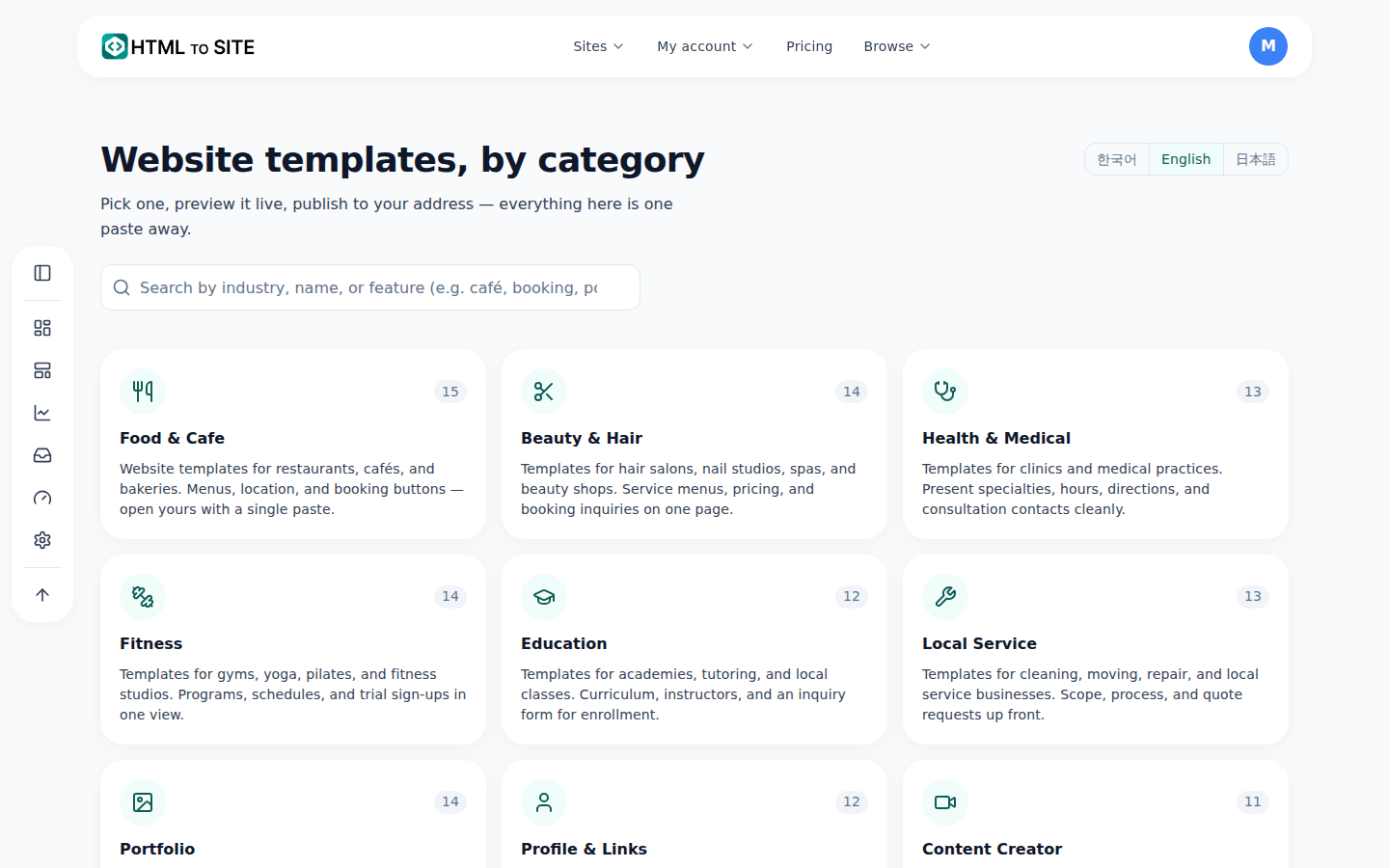
This is the real screen. - 2
Confirm it actually works with a live preview
Open a template and its detail page shows a live preview — not a mockup, the actual page rendering. Multi-page templates let you switch between pages like home, about, and contact with page tabs, and a viewport switcher shows how it looks on mobile, tablet, and desktop.
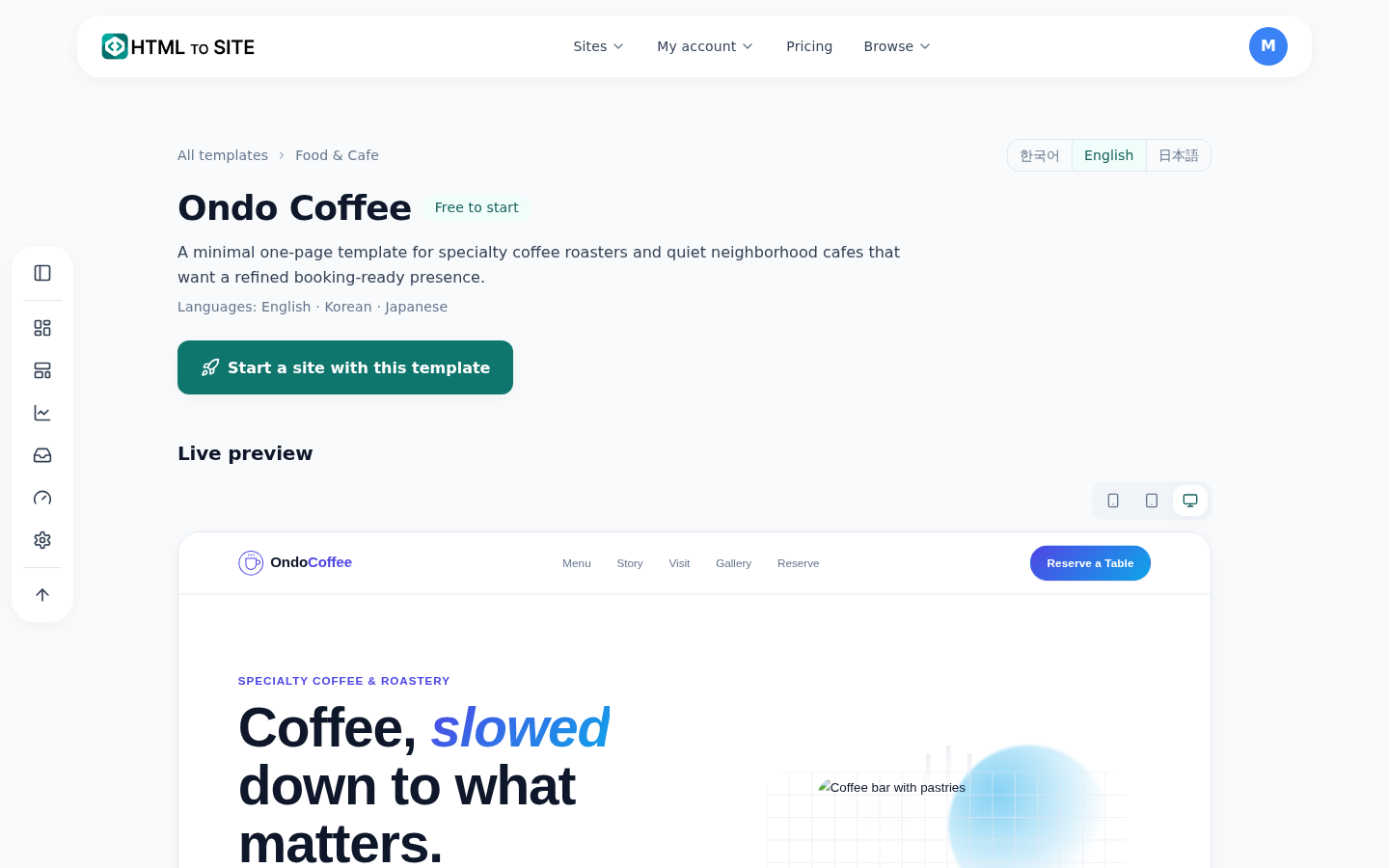
You can click around inside the preview and flip between the template's pages. - 3
Publish, and the page you're viewing goes live
Click “Start a site with this template” on the preview, and the one page you're currently viewing publishes to your site as-is. If the template has more pages, like about or contact, this single publish only opens the page you were previewing.
Template detail › PublishStart a site with this template Publishes the 1 page you're viewingPublished address myname.html2site.comTemplate pages Home · About · Contact (multi-page) - 4
Bring in the rest from the editor, on a paid plan
Pages that weren't published — about, contact, and so on — can be imported separately from the “Templates” tab inside the editor. That tab is a different tool from the gallery: it only works after you're logged in, and lets you filter by free or paid. Importing multiple pages at once requires a paid plan.
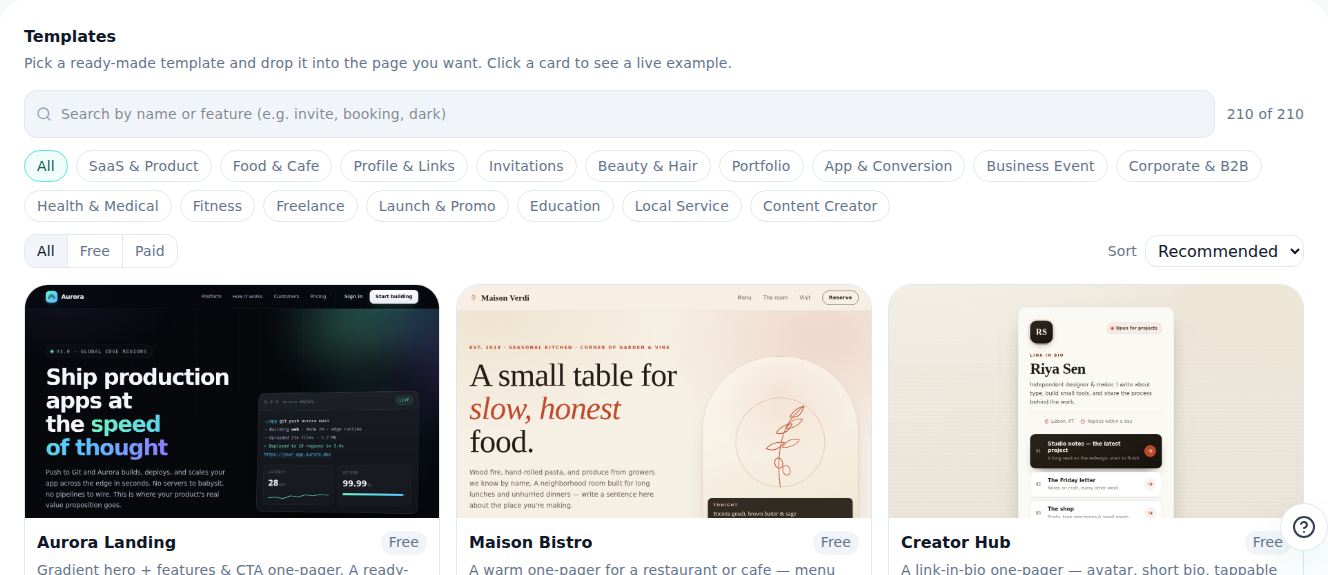
The same templates are available inside the editor, ready to pull into a page.
Frequently asked questions
Do I need to log in to see the template gallery?
No — anyone can browse it without an account. The category list and every template's live preview are fully public.
If I publish a multi-page template, does the whole thing go live?
No, only the one page you were previewing goes live. The remaining pages can be imported from the editor's Templates tab, starting on paid plans.
Are any templates actually free?
Yes — the Templates tab inside the editor lets you filter by free or paid. Free templates are also badged as such when you publish from the gallery.
Is the gallery the same as the Templates tab in the editor?
No. The gallery is a public page you can browse without logging in, and the Templates tab is a separate insert tool you use after logging in. The gallery only publishes one page, while the editor tab can bring in multiple pages at once on paid plans.
Is the preview actually functional, or just a screenshot?
It's a real live preview — it behaves exactly like the published page. Publish, and it opens at your address looking exactly like what you just saw.
Read next
- You asked ChatGPT for a website. Here's how to put it online. Step-by-step guide to publishing ChatGPT-generated HTML on a real address in 60 seconds, no server needed (English)
- The editor's AI edit assistant: describe it, and it edits the code How the editor's AI edit assistant works — describe changes in plain language, click to point, publish to go live, and how revert really works (English)
- Managing your sites — folders, rename, delete & recovery How to organize sites into folders, rename them, and undo a deletion within 7 days from the /sites dashboard (English)
- Adding multiple pages to your site How to add multiple HTML pages (files) to a site, and what's different between the free and Starter plans (English)
Trying it is faster than reading about it — paste your HTML now.